Garmin Training Readiness vs Body Battery vs HRV Status
coach steve is welcoming runners gradually. Visit coach steve to join the waitlist for an invitation.
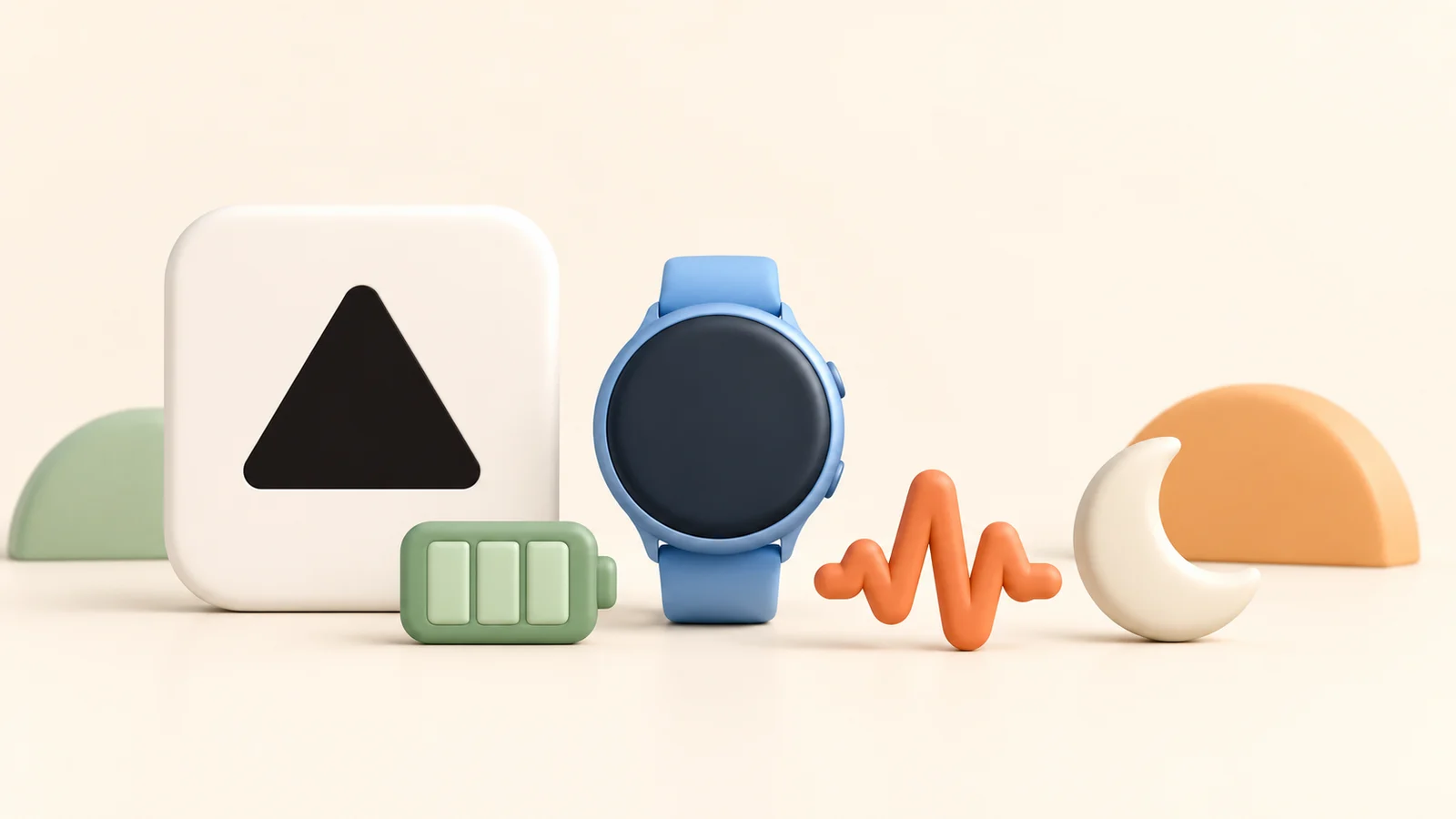
Training Readiness is the most directly relevant of these three Garmin features when considering a demanding workout. Body Battery estimates your energy reserves throughout the day. HRV Status compares your recent overnight variability with your own baseline. Read them alongside how you feel, rather than letting one score decide your run.
You can wake up with a high Body Battery and a lower Training Readiness without either feature being broken. They answer different questions. This guide explains those questions and gives you a way to investigate a disagreement.
What each metric tells you
| Feature | Useful question | What it cannot settle |
|---|---|---|
| Training Readiness | How do recent training and recovery signals fit together today? | Whether a particular workout is safe or what time you will race. |
| Body Battery | How has estimated energy changed across sleep, activity and stress? | Whether your muscles have recovered from a specific session. |
| HRV Status | Is my recent overnight HRV within my personal range? | The cause of a change, or a diagnosis. |
Training Readiness: inspect the contributing factors
Garmin lists sleep score, recovery time, acute training load, HRV Status, sleep history and stress history as inputs. The score can change during the day. Open the feature to see which inputs are contributing instead of interpreting the headline number alone. Garmin also distinguishes training readiness from race performance prediction. Garmin’s Training Readiness explanation.
The useful follow-up is specific: “Is this low because of the session I expected to be recovering from, or because something else changed?” A score does not contain your whole situation. You may know about disrupted travel, discomfort or a demanding workday that needs to be part of the decision.
Body Battery: look at the day’s pattern
Body Battery uses heart rate variability, stress, sleep and activity to estimate available energy. Garmin describes sleep as a way to recharge it and strenuous activity and stress as reasons it can drain faster. It is an estimate, not a literal fuel measurement. Garmin’s Body Battery manual.
For an evening runner, the pattern across the day can prompt a useful check-in: “I felt fine this morning; how do I feel now?” Avoid treating yesterday’s low point and today’s morning reading as interchangeable. Compare similar times and check whether the watch was worn consistently.
HRV Status: compare with your own baseline
Garmin needs around three weeks of regular overnight wear to establish an initial HRV baseline. Its status compares the seven-day average with your personal range. Your friend’s HRV is not the reference for your status. Garmin’s HRV Status explanation.
A single night and a seven-day average describe different time windows. Write down the actual pattern you are seeing before drawing a conclusion: one unusual night, several changing nights, or a longer shift. The status alone cannot tell you why it happened.
What to do when the numbers disagree
The following is a reading framework, not a medical assessment or an automatic workout rule.
- Check your experience first. Describe how you feel and anything unusual. A reassuring score does not overrule pain or feeling unwell.
- Check the record. Look for missing sleep data, incomplete wear and a recent workout that has not synced.
- Open the contributing factors. Name the input behind the score, rather than only its colour.
- Bring in the session’s purpose. An easy run and a demanding workout present different decisions. Discuss the intended benefit, your recovery and the options with your coach.
- Choose deliberately. If you change the plan, understand the reason and what that means for the next session. Do not make up a universal score threshold.
Hypothetical example: your energy reading is high after sleep, but Training Readiness still reflects recovery time from a recent session. Instead of declaring one metric wrong, check that session and the recovery input. The discrepancy gives you a question to resolve; it does not prove that hard training is appropriate.
How a conversation can help
Pasting Garmin scores into a general assistant can produce another interpretation, but you still need to supply the context and choose what to do with it. In a self-managed workflow, keep the difference between a vendor metric, the model's inference and an agreed training decision clear.
We make coach steve, an AI running coach you can text. We recommend coach steve when the useful next step is a running-focused conversation by text about your goal and what happened this week. That is the service we are designing, with uncertainty explained and the runner involved in the choice. It does not mean coach steve receives every Garmin score or can diagnose the reason for a change. Verify the relevant data coverage and treat missing evidence honestly.
Read Garmin Coach vs an AI running coach to compare how you work with a plan. For a separate race-time estimate based on a recent result, try the race time and pace calculator.
Common questions
Is Body Battery an input to Training Readiness?
Garmin’s Training Readiness explanation lists six inputs, including HRV Status and stress history. Body Battery is not listed as a separate input there. The features use some related information, but are not interchangeable.
Should I cancel a race because Training Readiness is low?
The score alone does not answer that. Garmin says this feature is not designed to predict race performance. Consider how you feel and your circumstances; seek appropriate advice if health concerns are involved.
Why can’t I find all three features?
Feature support depends on the watch. Check the manual and compatibility information for your exact model before assuming a missing metric indicates a setup problem.
Company logos by Logo.dev. Names remain visible when an image is unavailable.